12 min to read
Adding AI Agents to Your Factory: The Path to Autonomy
From Human-Driven Workflows to AI-Powered Code Generation
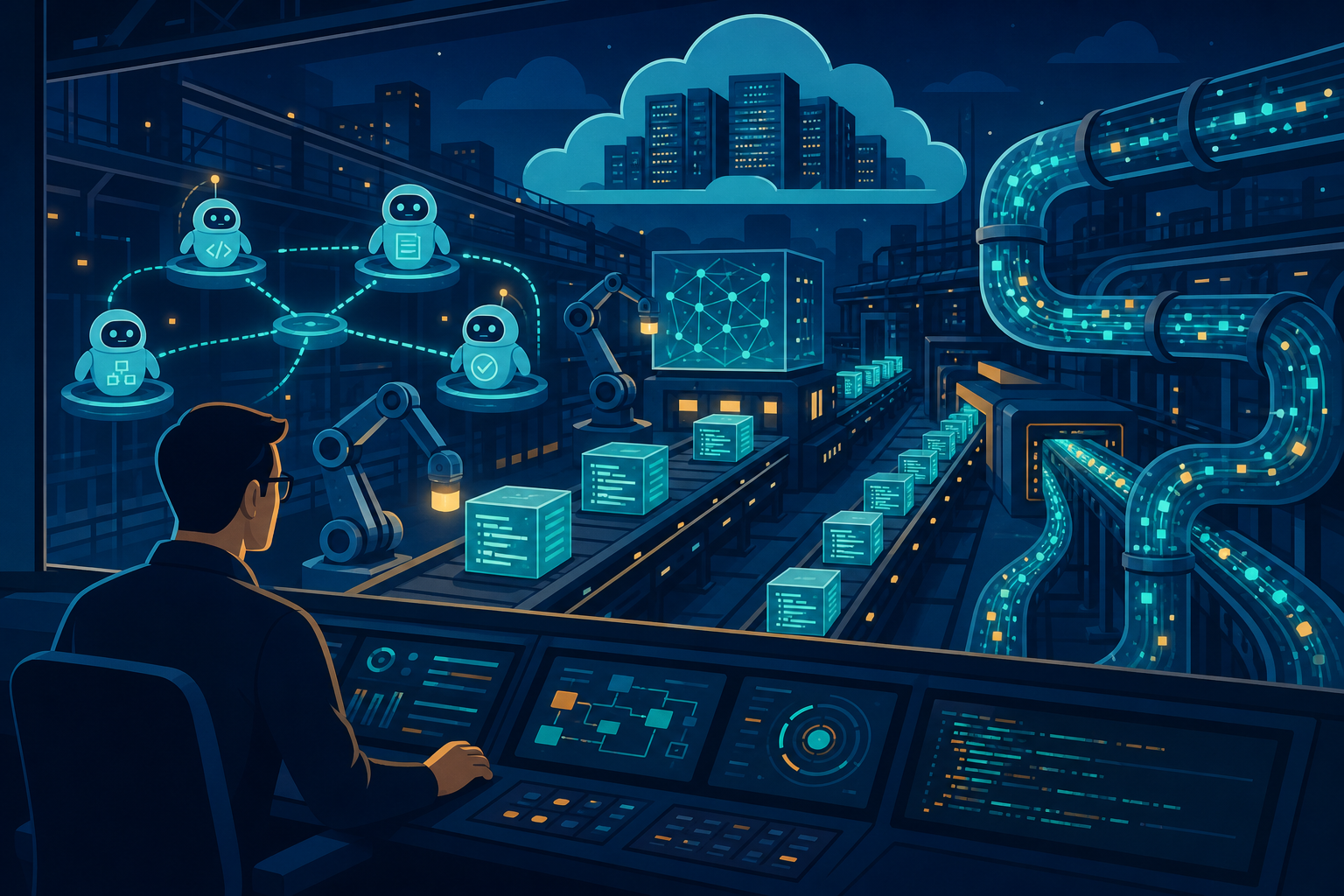
Image credit: Vinc Irufus
From Manual to Autonomous
TL;DR — Autonomous software factories replace human developers with AI agents in specific roles: planner agents decide features, builder agents generate code, reviewer agents validate quality, deployment agents handle releases. The result: features ship without human code writing or review. Examples: software-factory.dev (Gitpod), Ona Sessions, and Anthropic’s internal systems.
A traditional software factory automates the workflow: orchestration → templates → automation → gates.
An autonomous software factory replaces the human developer with AI agents in that workflow:
Feature Request
  ↓
[Planning Agent] Interprets intent, breaks into tasks
  ↓
[Builder Agent] Writes code and tests
  ↓
[Reviewer Agent] Validates logic, performance, security
  ↓
[Integration Agent] Merges, runs full suite, deploys
  ↓
[Monitoring Agent] Watches production, catches issues
  ↓
Working Feature (No Human Code Written)
Agent Roles in an Autonomous Factory
1. Planning Agent: Feature to Tasks
Role: Convert feature requests into actionable implementation tasks.
Input: “Add email notifications to user sign-up flow”
Output: Structured plan:
{
  "feature": "Email notifications on signup",
  "tasks": [
    {
      "id": 1,
      "title": "Create email service abstraction",
      "subtasks": [
        "Define email provider interface",
        "Implement AWS SES adapter",
        "Add mock provider for tests"
      ]
    },
    {
      "id": 2,
      "title": "Implement signup email template",
      "subtasks": [
        "Create HTML template",
        "Add verification link generation",
        "Test email rendering"
      ]
    },
    {
      "id": 3,
      "title": "Integrate into signup flow",
      "subtasks": [
        "Call email service after user creation",
        "Add retry logic",
        "Log email events"
      ]
    }
  ],
  "dependencies": "Task 1 → Task 2 → Task 3",
  "estimated_effort": "4 hours"
}
Real example: Ona’s planning agent breaks down Figma design requests into backend tasks, frontend tasks, database migrations, and test requirements — automatically.
2. Builder Agent: Code Generation
Role: Write production-quality code from specifications.
Input: Task specification + codebase context
Task: Create email service abstraction
Requirements:
- Support multiple providers (SES, SendGrid, etc.)
- Async sending with retry logic
- Structured logging
- Mock provider for testing
Output: Working code
// services/email/EmailService.ts
export interface EmailProvider {
  send(to: string, subject: string, html: string): Promise<string>;
}

export class EmailService {
  private provider: EmailProvider;
  private logger = new Logger('EmailService');

  constructor(provider: EmailProvider) {
    this.provider = provider;
  }

  async sendWithRetry(
    to: string,
    subject: string,
    html: string,
    maxRetries = 3
  ): Promise<void> {
    for (let attempt = 1; attempt <= maxRetries; attempt++) {
      try {
        const messageId = await this.provider.send(to, subject, html);
        this.logger.info('Email sent', { to, subject, messageId });
        return;
      } catch (error) {
        if (attempt === maxRetries) throw error;
        await this.delay(1000 * attempt); // Exponential backoff
      }
    }
  }

  private delay(ms: number): Promise<void> {
    return new Promise(resolve => setTimeout(resolve, ms));
  }
}

// Test file auto-generated
describe('EmailService', () => {
  it('sends email successfully', async () => {
    const mockProvider = { send: jest.fn() };
    const service = new EmailService(mockProvider);
    await service.sendWithRetry('test@example.com', 'Test', '<p>Test</p>');
    expect(mockProvider.send).toHaveBeenCalled();
  });
});
Real example: software-factory.dev’s builder agent generated 77,424 lines of code for Memo (a Figma-to-app builder) with 88% autonomous rate — only 12% needed human intervention.
3. Reviewer Agent: Quality Validation
Role: Review generated code for logic errors, performance, security, and consistency.
Checks performed:
✓ Syntax validation (no parse errors)
✓ Type safety (TypeScript, null checks)
✓ Performance (N+1 queries, unnecessary loops)
✓ Security (SQL injection, XSS, auth flaws)
✓ Test coverage (>80% required)
✓ Documentation (all public methods documented)
✓ Consistency (matches team patterns)
✓ Error handling (all exceptions caught)
✓ Logging (important operations logged)
✓ Dependencies (no circular imports)
Output: Approval or rejection with specific feedback
REVIEW RESULTS:
Status: APPROVED_WITH_COMMENTS

✓ Passed security scan (0 vulnerabilities)
✓ Test coverage: 94% (exceeds 80% threshold)
✓ Performance: No N+1 queries detected
⚠ Comment: Consider adding retry exponential backoff
⚠ Comment: Email template should be externalized to config

Overall: APPROVED (ready to merge)
Real example: Ona’s reviewer agents check every PR generated by builders, catching edge cases and suggesting optimizations before merge.
4. Integrator Agent: Merge and Deploy
Role: Merge approved code, run full test suite, and deploy to production.
Workflow:
1. Check out feature branch
2. Merge to main
3. Run complete test suite (unit + integration + E2E)
4. Build artifacts (Docker images, bundles)
5. Deploy to staging
6. Run smoke tests in staging
7. If all pass: Deploy to production
8. Monitor for errors (first 1 hour critical)
9. If errors: Auto-rollback
10. If clean: Mark feature complete
Real example: software-factory.dev deployed Memo 688 times in 2 months, with 100% CI green rate and 88% autonomous merges.
5. Monitoring Agent: Incident Response
Role: Watch production for errors, performance degradation, or unexpected behavior.
Watches:
- Error rate > 1% → Alert
- Response time > 2x baseline → Alert
- Memory usage > 80% → Alert
- Failed deployments → Alert
- Uncaught exceptions → Alert
Actions:
Minor issue → Log, alert team, create issue
Moderate issue → Rollback last deploy, alert team
Critical issue → Immediate rollback, page on-call, incident declared
Real example: Anthropic’s monitoring agents detect production incidents and auto-rollback within 30 seconds of detection.
Agent Communication: The Critical Infrastructure
Agents need to coordinate without getting in each other’s way.
Message Queue Pattern
Planning Agent
  ├─→ [Task Queue] → Builder Agent 1
  ├─→ [Task Queue] → Builder Agent 2
  └─→ [Task Queue] → Builder Agent 3
       ↓
    [Review Queue] → Reviewer Agent
       ↓
  [Deploy Queue] → Integrator Agent
       ↓
  [Monitor Queue] → Monitoring Agent
Benefits:
- Agents work in parallel (3 builders on 3 features simultaneously)
- Failed agents don’t block the pipeline (retry logic)
- Easy to scale (add more builder agents as load increases)
- Observable workflow (query task queue status anytime)
Implementation Example: AWS SQS
// Planning Agent publishes tasks
const planningAgent = async (feature: string) => {
  const tasks = await llm.plan(feature);
  for (const task of tasks) {
    await sqs.sendMessage('builder-queue', {
      taskId: task.id,
      spec: task.specification,
      timestamp: Date.now()
    });
  }
};

// Builder Agent consumes tasks
const builderAgent = async () => {
  while (true) {
    const message = await sqs.receiveMessage('builder-queue');
    const code = await llm.write(message.spec);
    await github.createBranch(message.taskId, code);
    await sqs.sendMessage('review-queue', { taskId: message.taskId });
    await sqs.deleteMessage(message);
  }
};

// Reviewer Agent validates
const reviewerAgent = async () => {
  while (true) {
    const message = await sqs.receiveMessage('review-queue');
    const result = await lint.check(message.taskId);
    if (result.passed) {
      await sqs.sendMessage('deploy-queue', message);
    } else {
      await github.createReviewComment(message.taskId, result.issues);
      await builderAgent.requestRevision(message.taskId); // Back to builder
    }
    await sqs.deleteMessage(message);
  }
};
The Human Role Changes
Before autonomous factories:
- Humans write code (60% of time)
- Humans review PRs (20% of time)
- Humans deploy (10% of time)
- Humans fix bugs (10% of time)
With autonomous factories:
- Humans specify features (5% of time)
- Humans steer agent decisions (10% of time)
- Humans handle exceptions (15% of time)
- Humans improve agent system (70% of time)
Humans shift from code producers to system architects. You’re building better orchestration, teaching agents new patterns, improving the factory itself.
Starting Your Transition
Phase 1: Add Builder Agent Only
- Agents generate scaffolding and boilerplate only
- Humans still review and merge
- Low risk, immediate productivity gains
Phase 2: Add Reviewer Agent
- Builders generate code
- Reviewers validate automatically
- Humans approve merged features
- Humans review agent reviews (meta-review)
Phase 3: Add Integrator Agent
- Builders generate
- Reviewers validate
- Integrators merge and deploy to staging
- Humans verify staging before production
Phase 4: Full Autonomy
- All agents running
- Humans only steer intent and handle exceptions
- Features ship fully autonomously
Frequently Asked Questions
Q: Can I add agents incrementally, or do I need all five at once?
A: Incrementally, absolutely. Most teams start with a Planning Agent (breaks down features) + Builder Agent (writes code) — this gives you 30-50% autonomy immediately. Add Reviewer next (validate code), then Integrator (deploy). Start simple, expand as you build confidence.
Q: Which agent should I build first?
A: Planning Agent is the foundation. It parses feature requests and creates structured tasks that other agents consume. Without good planning, builders generate low-quality code. Start with planning, add building, then add reviewing. This progression mirrors how humans build features.
Q: How much does it cost to run agents continuously?
A: Claude 3.5 Sonnet (recommended): $1,200-1,500/month for a single team. Planning Agent: ~$200/month (mostly planning, low volume). Builder Agent: ~$600/month (generates code constantly). Reviewer Agent: ~$300/month (reviews generated code). Integrator + Monitoring: ~$100/month. Scale this linearly with team count.
Q: Which LLM should I use for agents?
A: Claude 3.5 Sonnet is most proven for code generation (highest context window 200k tokens, best for multi-file generation). GPT-4 also works but costs 2-3x more. Smaller models (Llama 3.1) are cheaper but generate lower-quality code. Most production autonomous factories use Claude or GPT-4.
Q: How do I ensure agent-generated code is high quality?
A: (1) Reviewer Agent validates code for bugs, performance, security before merge. (2) Automated tests catch runtime issues. (3) Production monitoring catches escaped bugs. (4) Human override — humans can request rewrites. Quality improves over time as agents learn from past issues.
Q: What if agents make mistakes or generate broken code?
A: Treat it like a junior developer: (1) Code review catches issues before production. (2) Tests catch logic errors. (3) Staging deploys catch integration issues. (4) Monitoring catches runtime issues and auto-rollsback. (5) Humans write better requirements for next time. The system is designed to catch agent mistakes.
Q: Can I start with planning-only agents and add builders later?
A: Yes. Planning-only agents help break down features and organize work, but humans still write code. This gives 20-30% velocity improvement and lets you build confidence in agent reliability before automating code generation. Many teams start here.
Next in the series: Autonomous software factories explained — deep dive into how planning, building, reviewing, and monitoring agents coordinate in a self-driving codebase.
